The Qidi 4Plus printer performs well, prints multiple materials, has a quality enclosure and an acceptably performant touch screen.
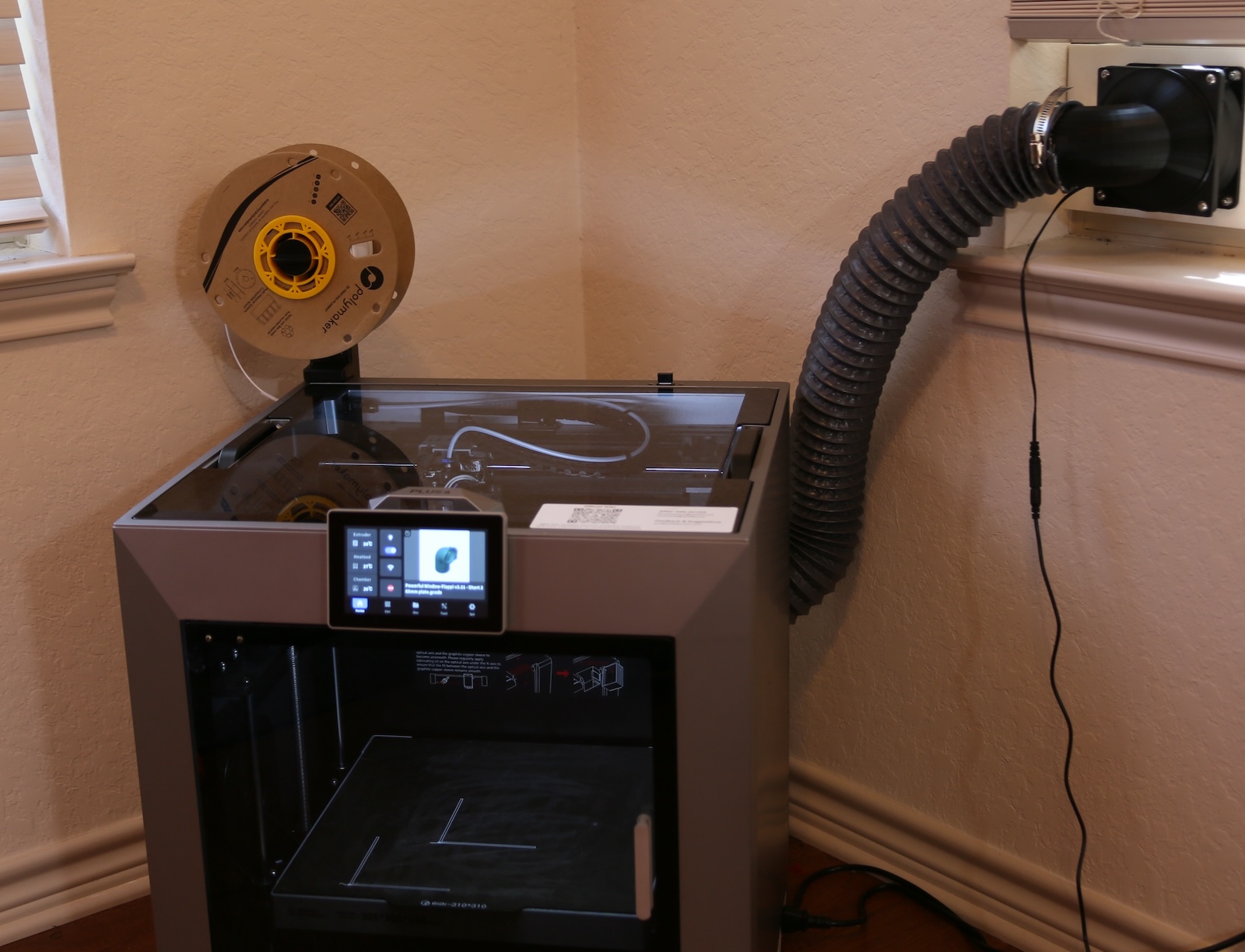
What it does not have is good wireless performance. In fact, it’s abysmal.
Despite every other device in the lab being able to receive excellent signal, the Qidi4 losses it’s connection often, and even when connected the performance is almost dial-up slow.
What do do?
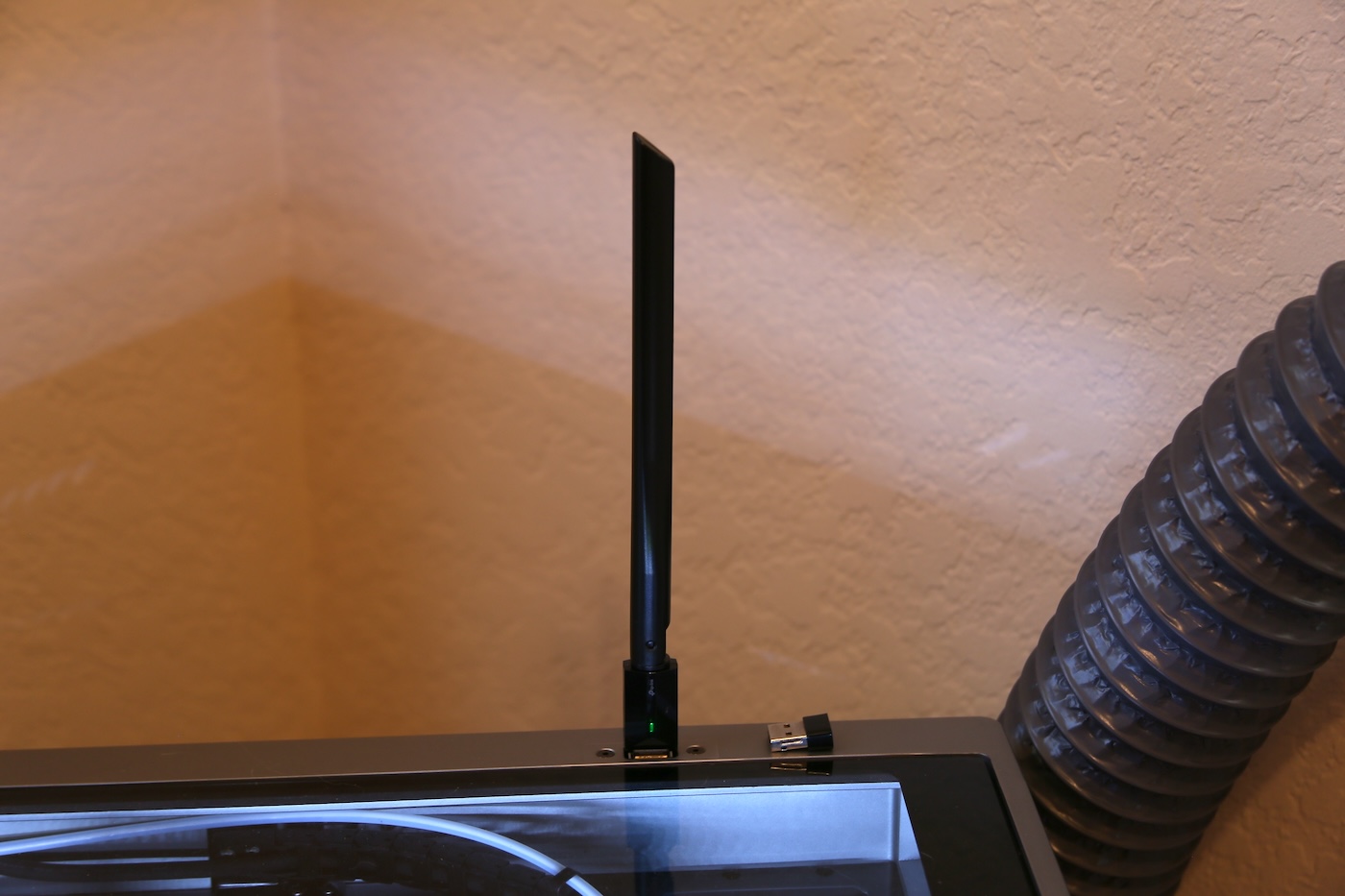
Interestingly enough, the WiFi on the 4Plus is implemented with a WiFi dongle plugged directly into a USB port on the motherboard (I’ll look for a suitable photo later ). This is the dongle that is in use:
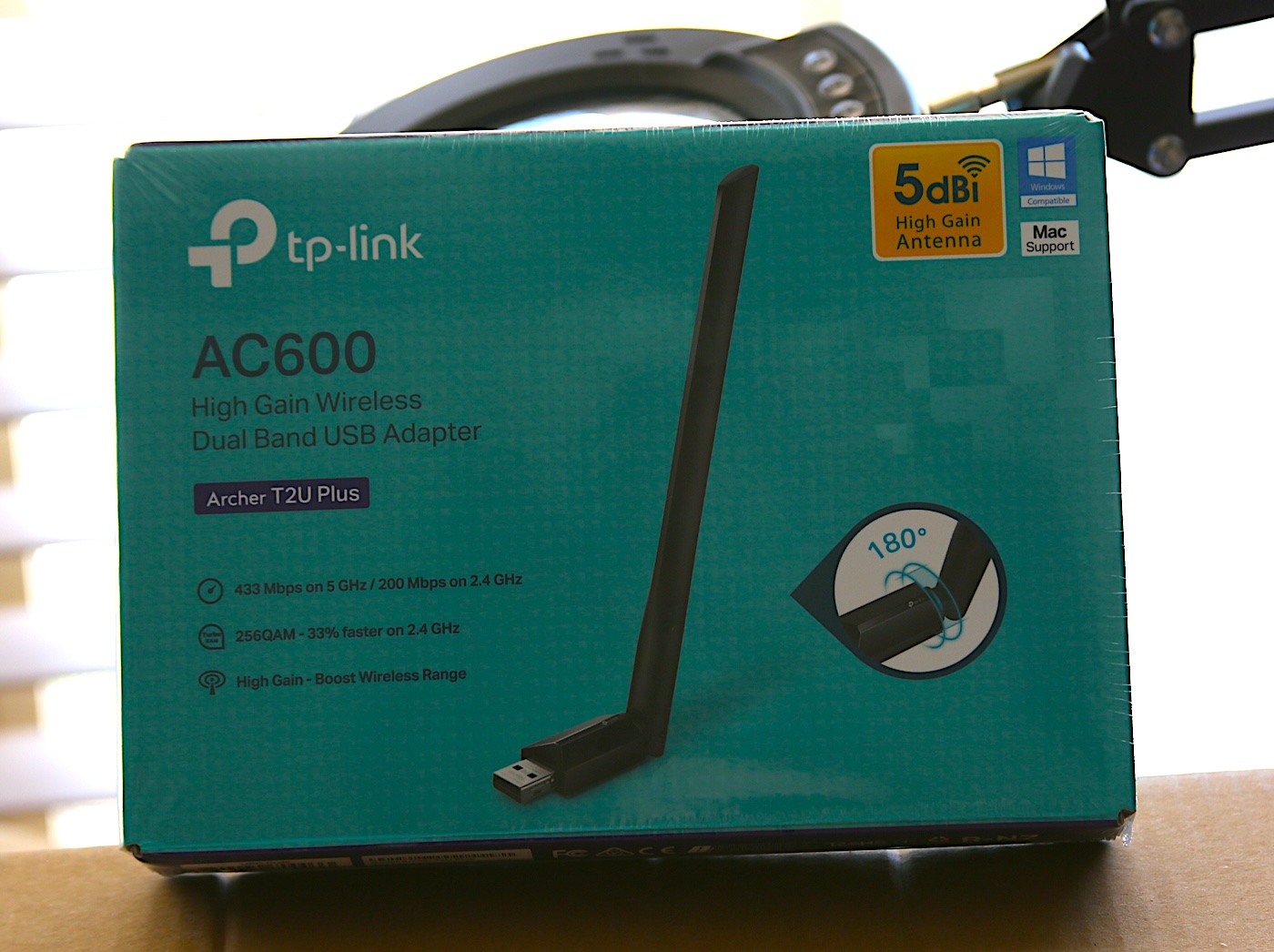
Qidid Support has told several people that upgrading the dongle is the way to solve this (why don’t they provide a better one of they know this is an issue?? hmmm). Supposedly, the one they suggest is the TP-Link AC600 Nano.
I’ve gone ahead and ordere one, but in the mean time I thought it would be interesting to see if something can be done in the mean time, for “free”.
What I tried:
I unplugged the original dongle from the printer’s motherboard, located in the top USB slot, then relocated it to the external USB port on top of the enclosure. That port is used for firmare updates, file transfers, log dumps etc. But, in theory it should work the say way as the other USB port on the motherboard. The though was, if you move the dongle outside of the enclosure to the top of the printer, it could improve the signal!
Preliminary Results:
Well, it worked.
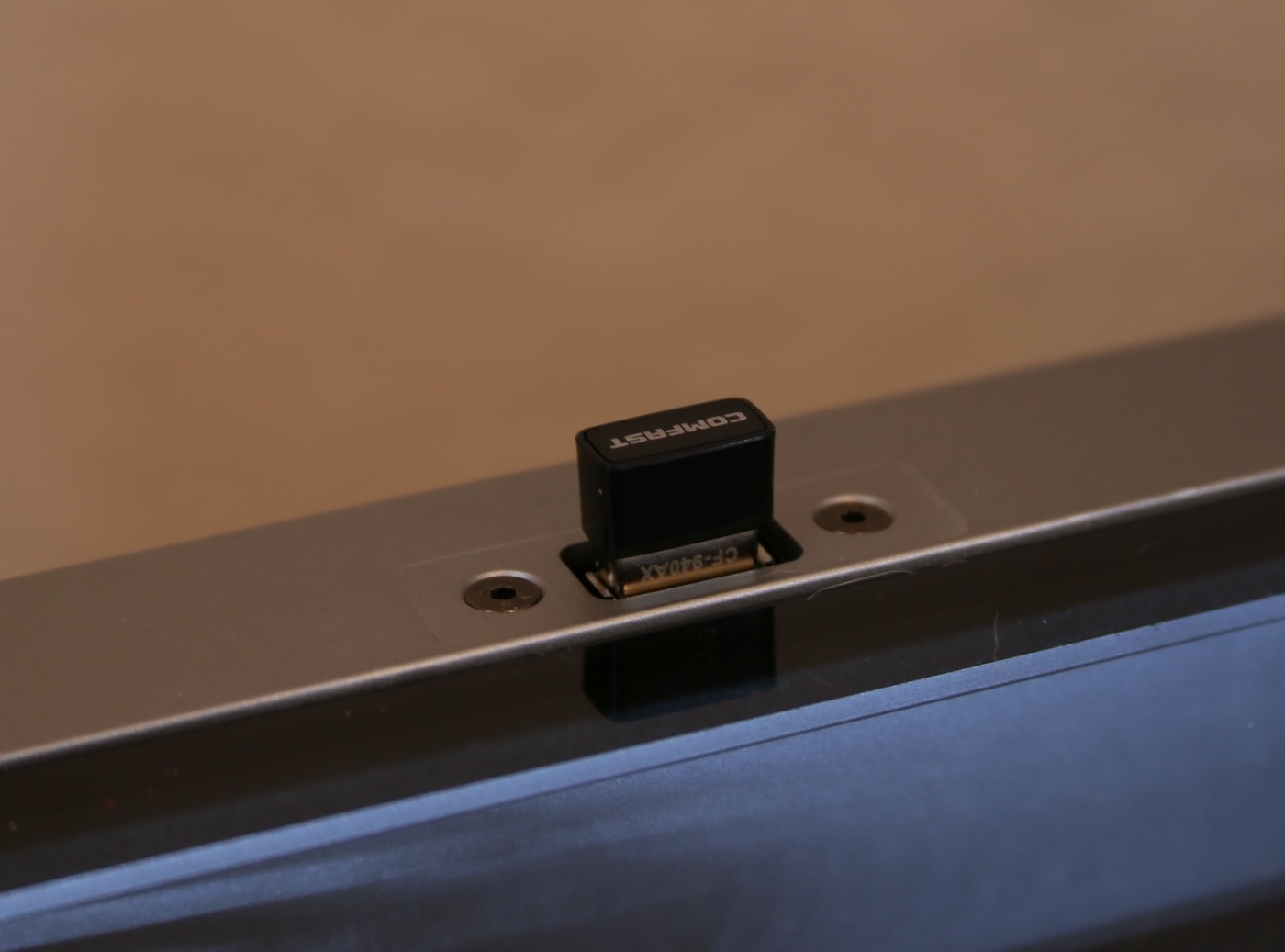
There are no issues using the external USB port for the factory provided USB dongle. This is great news, at least it’s no longer inside subject to interference from the metal fram or other possible electronic noise.
Checking the signal strength.
Unfortunatly, I did not check the signal stregnth with the dongle inside the encloser before moving it to the external port. I might do that later, but for now, before my TP-Link AC600 arrives, I want to see what sort of WiFi signal performance I’m seeing.
First, I logged into the printer with SSH. If you’re not sure how to do that, DDG search is your friend. Once logged in, I ran ifconfig to see the device name of my wifi.
sudo ifconfig
eth0: flags=4099 mtu 1500
…
wlan0: flags=4163 mtu 1500
inet 172.31.11.198 netmask 255.255.255.0 broadcast 172.31.11.255
….
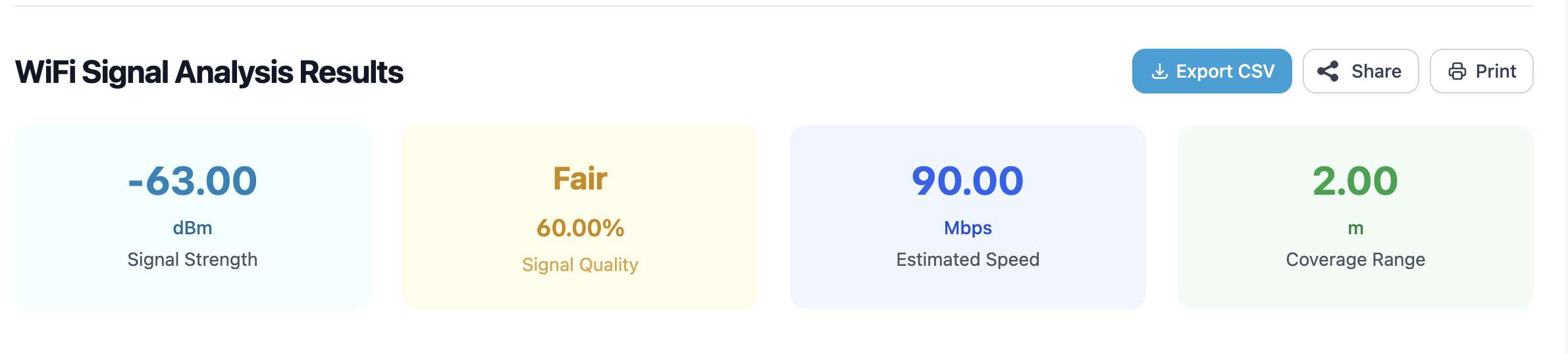
wlan0 is the device I want to check. Next, using the iw command, the device metrics can be seen. The number I’m most interested in is the signal, in this case -61 dbm which is… not very good.
sudo iw dev wlan0 link
Connected to 4e:65:7f:68:eb:a5 (on wlan0)
SSID: Lab
freq: 2412
signal: -61 dBm
rx bitrate: 8.6 MBit/s
tx bitrate: 11.0 MBit/s
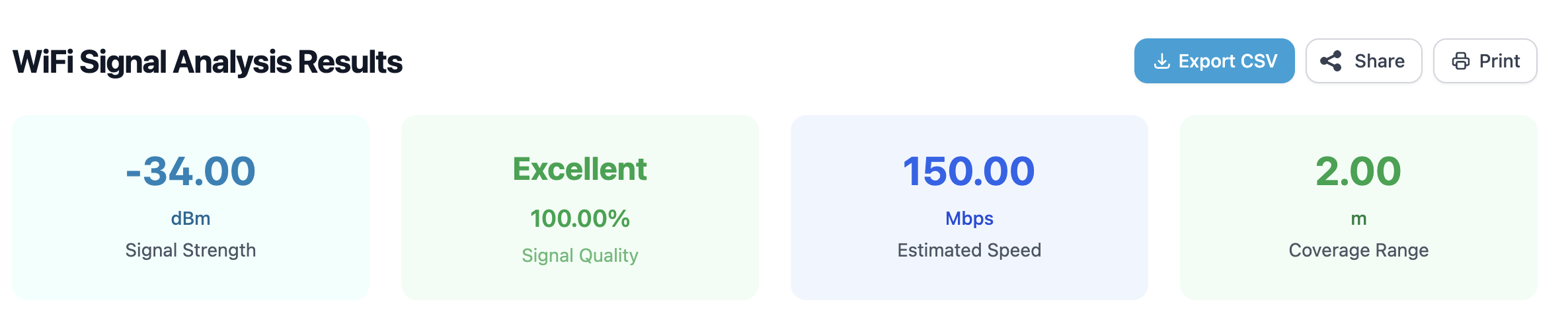
Once I get the AC600, I’ll verify that it connects as expected, then check signal and run some transfer tests.